What is StitchPress?
StitchPress is a visual pattern editor for fiber crafts. It brings three tools together in one place: draw crochet diagrams stitch by stitch, chart knitting patterns on a grid, and lay text and diagrams out into a finished, printable pattern. Everything runs in your web browser, and your work is saved to your account so it follows you from one device to the next.
This page introduces the three editors and explains where StitchPress runs and where your work lives. The rest of this section covers accounts, trying the editors without signing up, and sharing your diagrams.
The editors
Section titled “The editors”Crochet diagram editor
Section titled “Crochet diagram editor”The crochet editor is a canvas where you build a crochet chart one stitch at a time. You pick a stitch from the rail down the left side, place it on the canvas, and connect it to the stitches around it — the diagram grows the way your work does, round by round or row by row. You can adjust stitch sizes, color your stitches, group rounds, and turn the finished chart into written instructions.
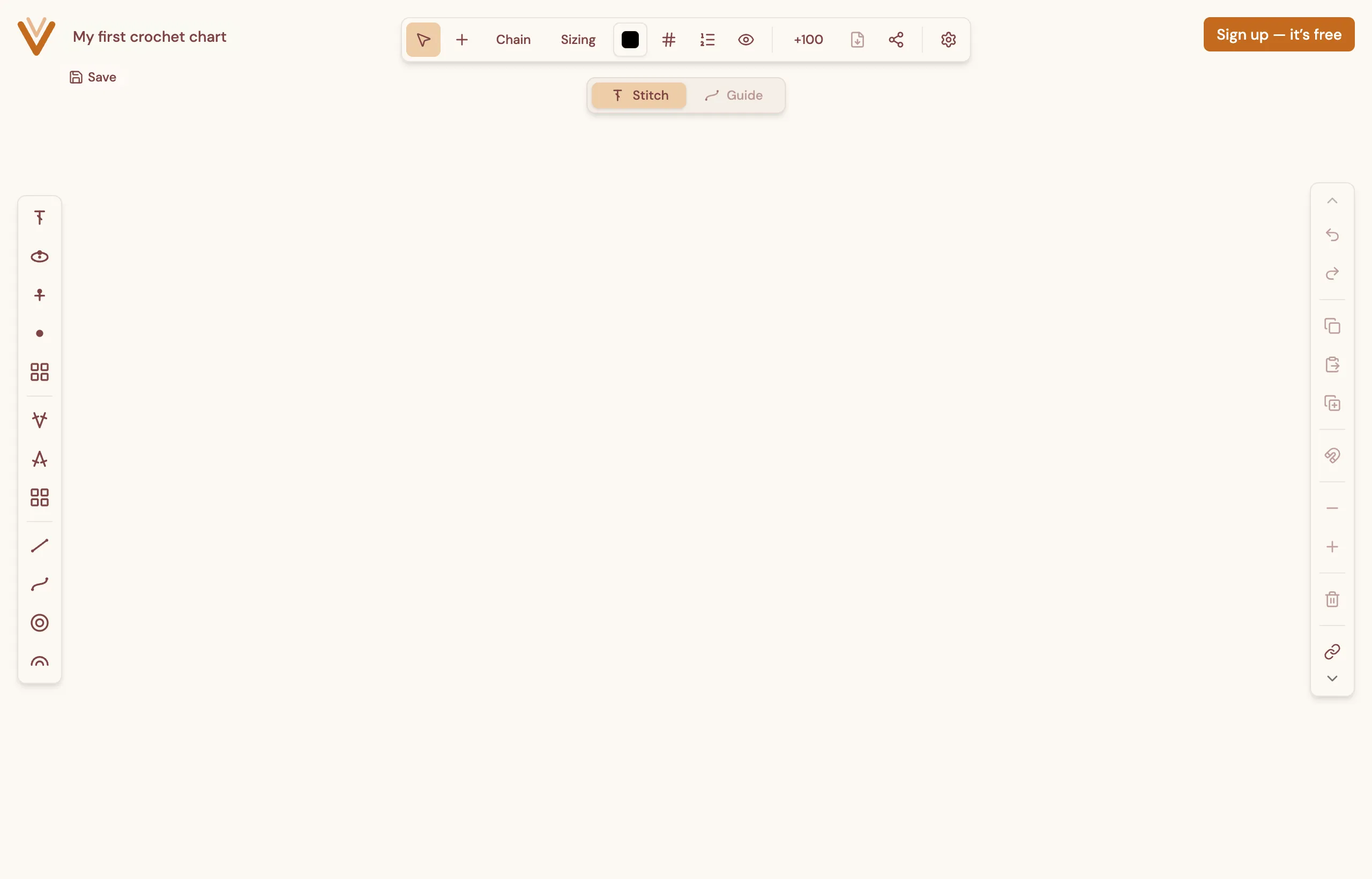
For the full walkthrough, see the Crochet Editor manual.
Grid (knit chart) editor
Section titled “Grid (knit chart) editor”The grid editor is for charting knitting on a squared grid, the way knit charts are traditionally drawn. Each cell is a stitch. You paint symbols onto the grid, insert and remove rows and columns, and read the chart with numbered rows and columns down the sides.
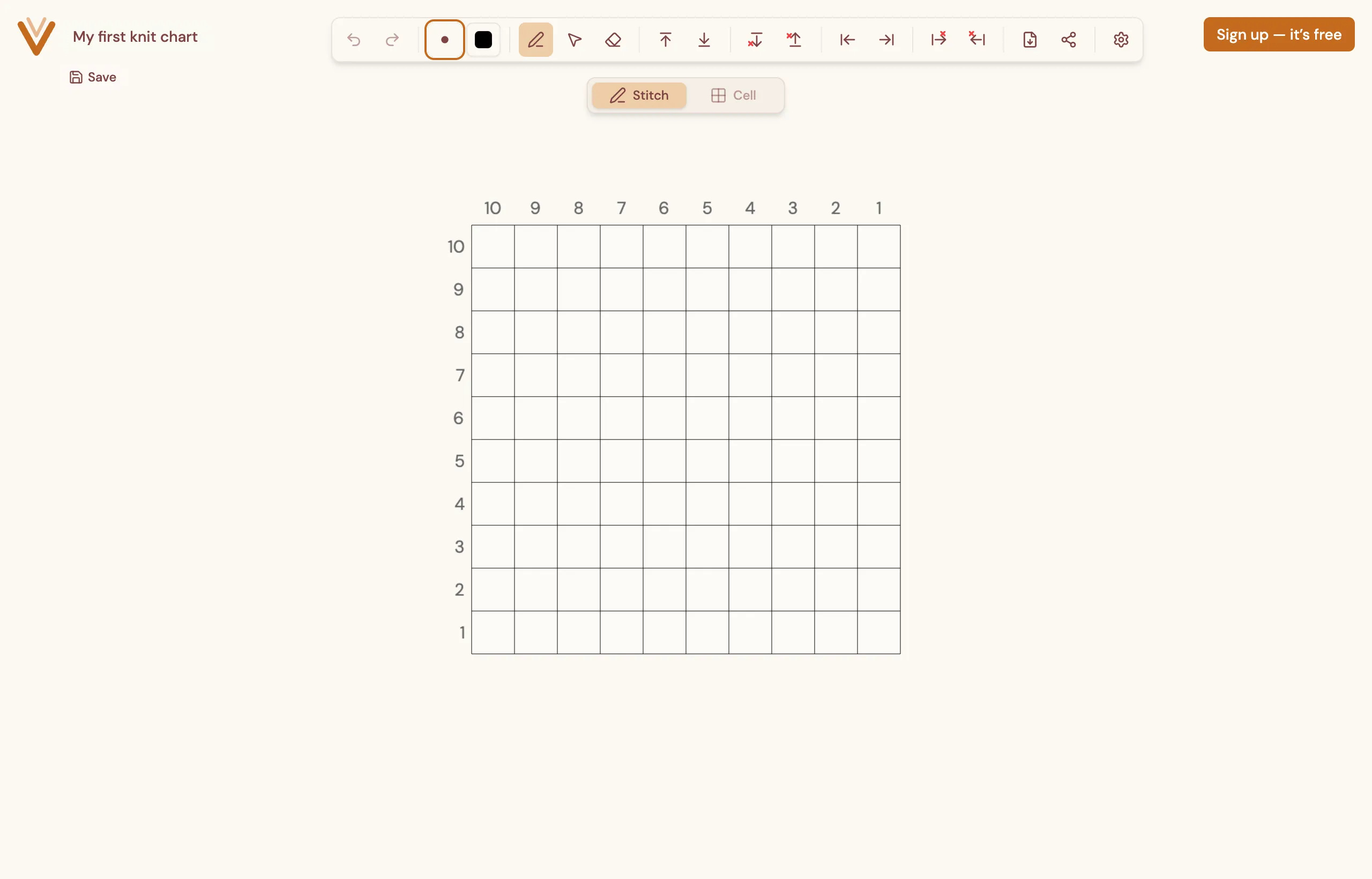
For more, see the Grid Editor manual.
Pattern composer
Section titled “Pattern composer”The pattern composer is where a project becomes a shareable document. You write your instructions with a familiar rich-text toolbar — headings, bold, lists, and so on — drop in images and the diagrams you made in the other editors, and export the whole thing to a PDF.
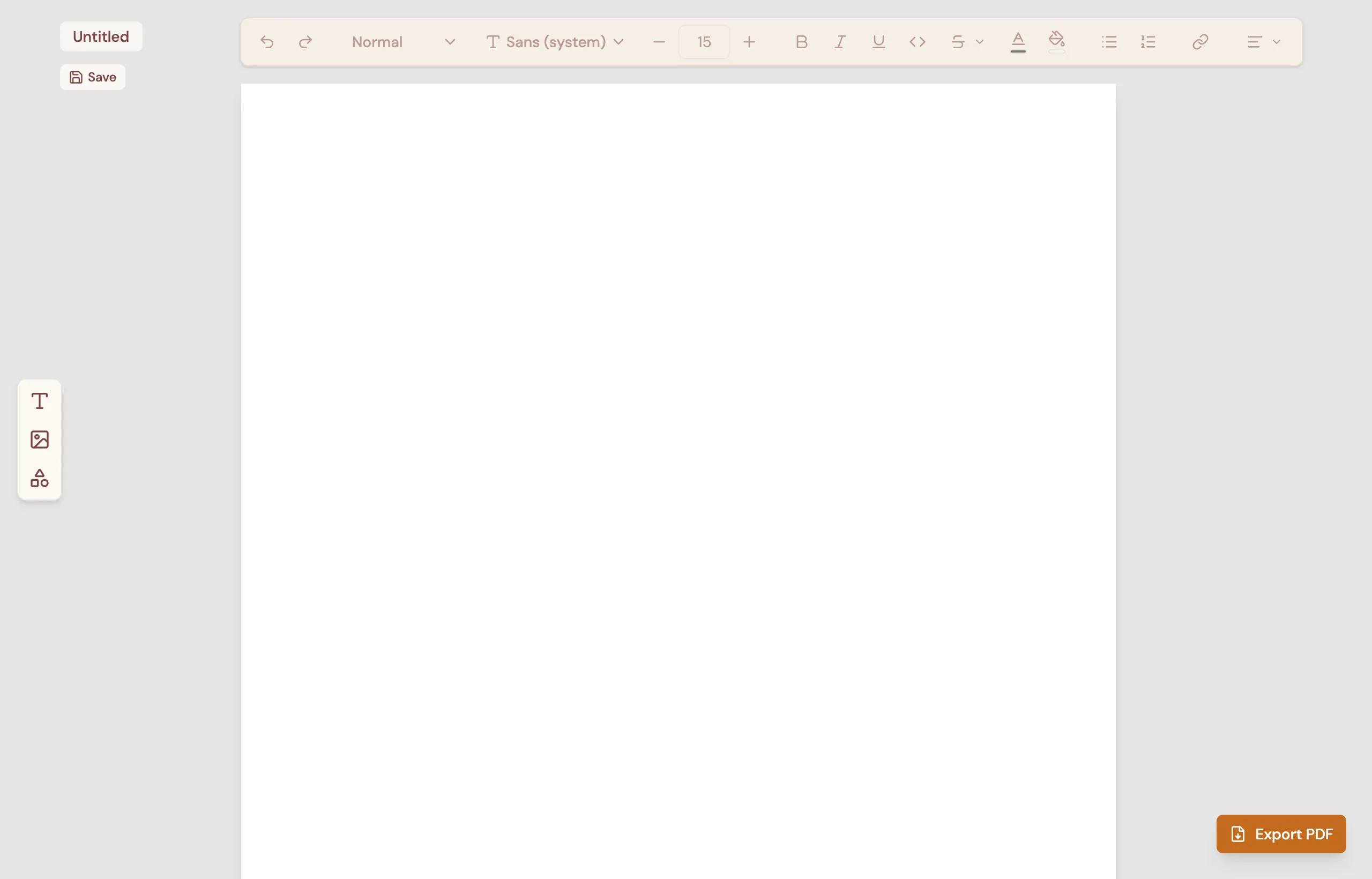
For more, see the Pattern Composer manual.
Where things run
Section titled “Where things run”StitchPress runs entirely in your web browser at dev.editor.stitchpress.kinnet.studio. There is nothing to download and nothing to install — open the site and start working. Because the editors draw on a canvas, StitchPress works best in an up-to-date desktop browser.
Where your work is stored
Section titled “Where your work is stored”When you are signed in, your diagrams and patterns are saved to your account and synced automatically. You do not need to press a “save to the cloud” button — StitchPress keeps your work up to date as you go, and a save indicator shows the current status. Sign in on another device and your projects are waiting for you.
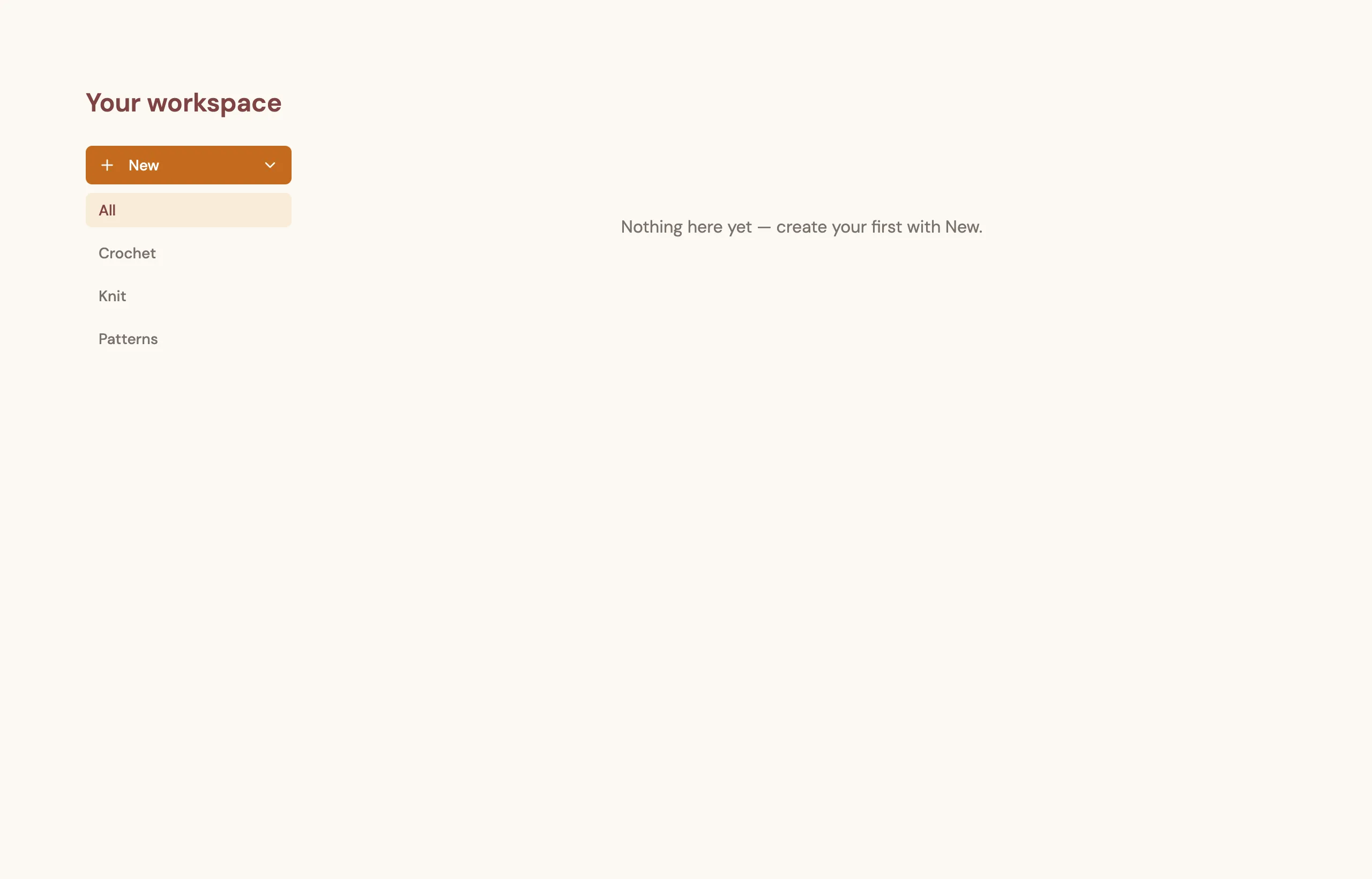
Signed-in work lives in Your workspace, the home screen you land on after signing in. From here you create new projects with the New button and switch between your crochet diagrams, knit charts, and patterns.
Want to try the editors before making an account? See Trying StitchPress without an account.